Facebook
 Google
 GitHub
 Linkedin
Analog Devices Brings AI Workflow and Platform Unification to CodeFusion
Announced today, the launch of CodeFusion Studio 2.0 adds AI workflow and improved multicore support along with modular framework and configuration tool unification.
Today, Analog Devices, Inc. (ADI) adds integrated artificial intelligence (AI) development capability to CodeFusion Studio with the release of version 2.0. The update improves upon the earlier version, covered in All About Circuits in March 2025, as an open, extensible development toolchain for ADI’s embedded processor portfolio. The open platform, based on Microsoft’s Visual Studio, includes broad compatibility throughout ADI’s line.
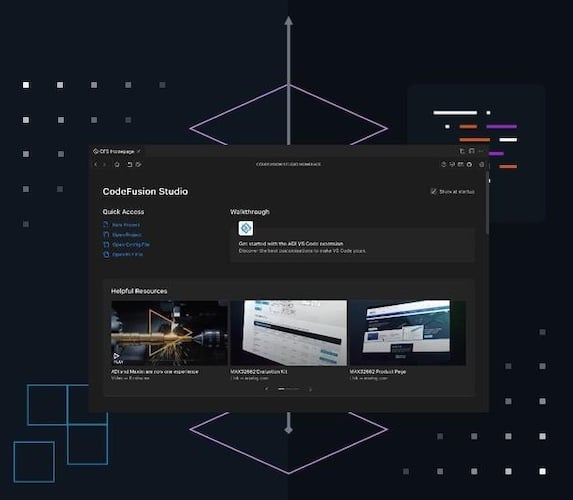
CodeFusion Studio 2.0 brings improved AI workflow and unified development to Analog Devices MCU family.
It integrates new machine learning (ML) and AI development capability and design-to-debug workflow improvements. ADI put a lot of emphasis on improving multi-core and unified development on ADI processors into the new release. The result is support of ADI’s complete processor line, from small microcontrollers, powerful multi-core processors, system on chip (SoC), and digital signal processors (DSPs).
To get an in-depth look at version 2.0, All About Circuits attended a group pre-briefing presented by Jason Griffin, Managing Director of Software and AI Strategy at Analog Devices.
AI Workflow for Simplified AI Development and Deployment
CodeFusion 2.0 brings an end-to-end AI workflow. The new Zepher-based modular framework enables easier edge AI development. The new toolchain’s AI workflow allows AI development from start through deployment with AI as an integral part of the system rather than as an add-on. It performs AI model profiling and layer-by-layer analysis to ensure toolchain and processing core compatibility. The system allows the integration of both pre-made AI models and custom models.
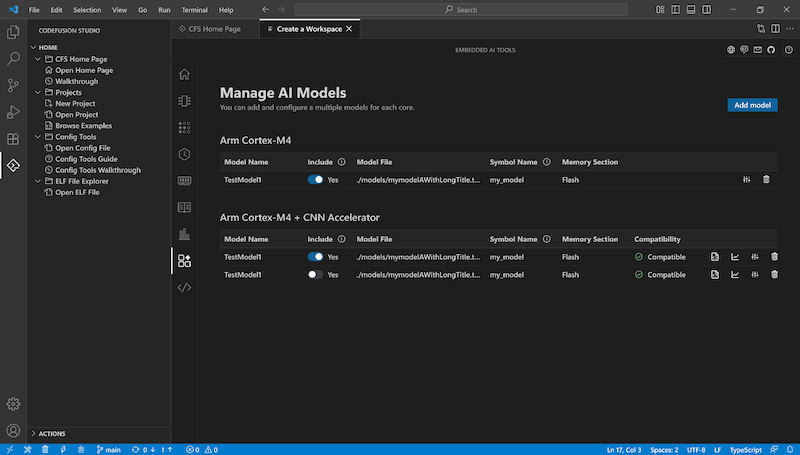
Integrated AI model management. (Click on image to enlarge)
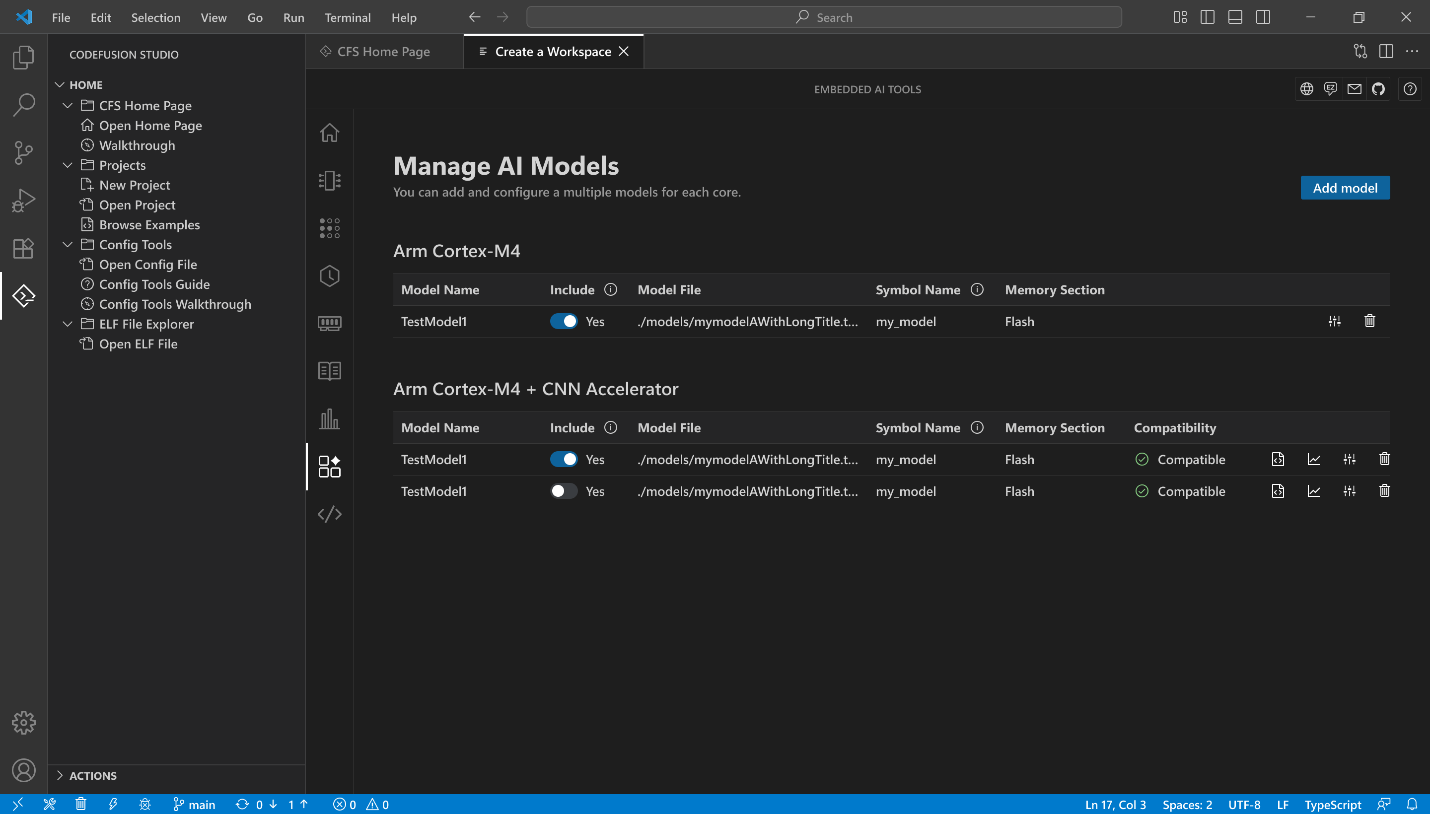
The built-in model compatibility checker relieves the developer of the complex task of ensuring the AI models are usable with the chosen processing platform. Software developers can build and analyze ML and AI models and let the toolchain worry about end-platform constraints and compatibility. In other words, with the AI workflow, software developers can write their code and include ML and AI models, from the start, without the need to worry about which core the code and AL model will eventually be running on.
Unified Single Core / Multicore Development, Configuration, Profiling, Debugging, and Deployment
Analog Devices offers a wide variety of single and multi-core processor types. One of the goals of V2.0 of CodeFusion is to ease development when dealing with such a wide variety of edge computing platforms.
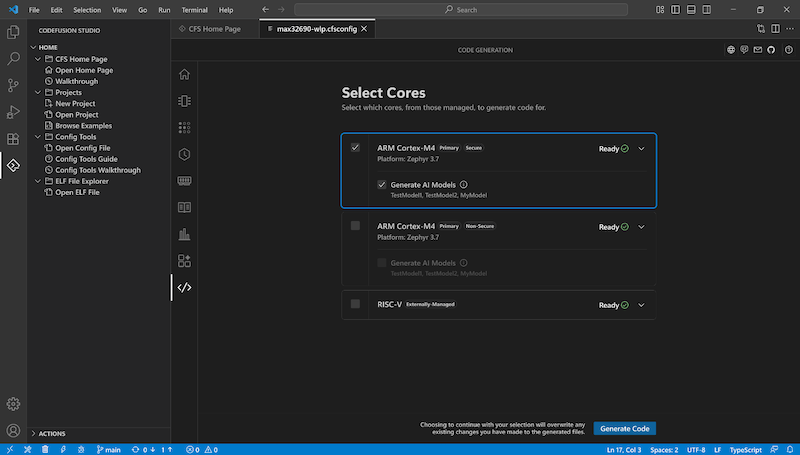
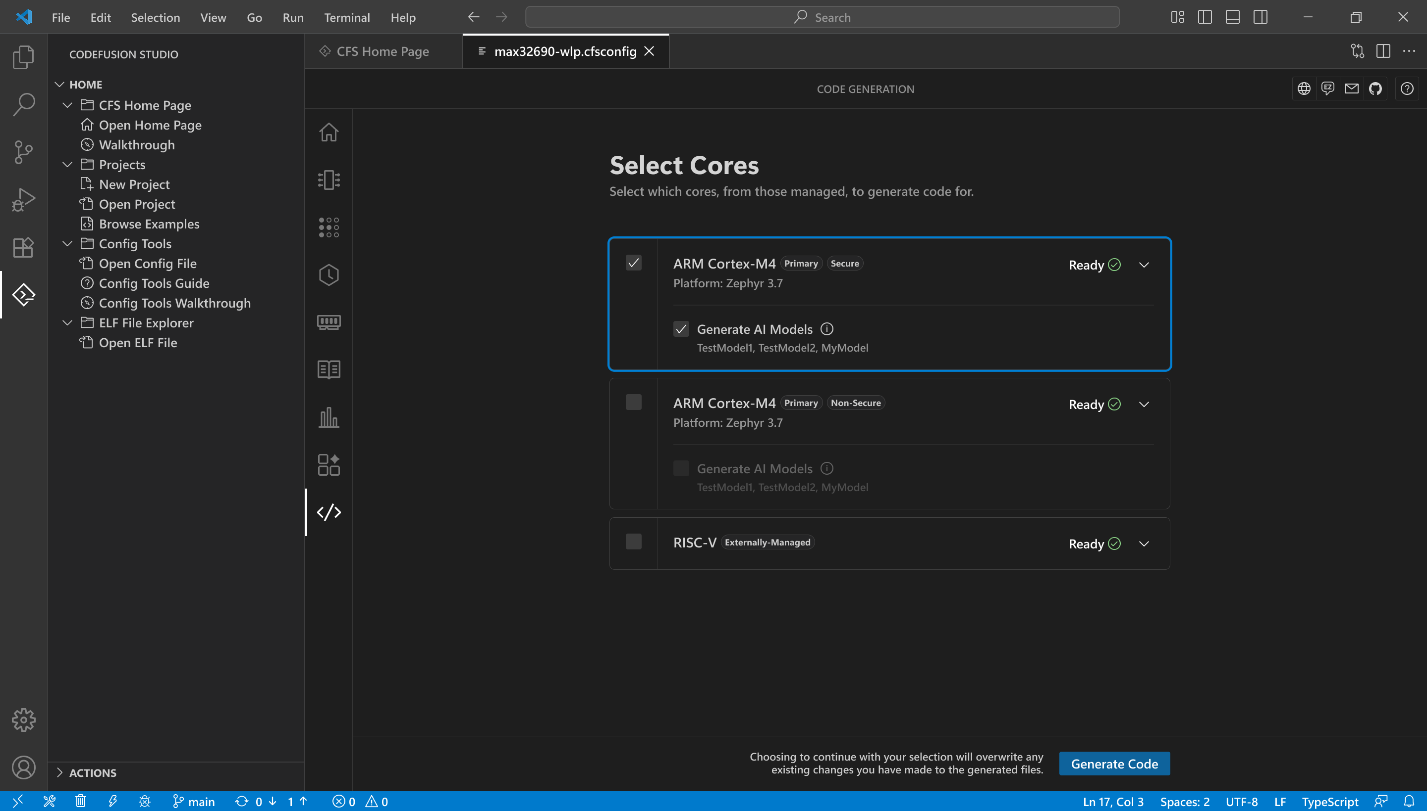
CodeFusion 2.0 core selection and management. (Click on image to enlarge)
Multicore development on big systems is often just development, with the multi-core aspects managed by the operating system and supervisory code. According to ADI’s Griffin, embedded multi-core system development is different in that the cores are typically not identical and are assigned different tasks. The different cores within the same chip may use different languages, and sometimes even different toolchains. This creates management challenges for software developers.
Development may require coding a digital signal processor (DSP), microprocessor unit (MPU), or a general-purpose Arm core. Each may have their own code space and some may not have access to the same peripherals as others.
Debugging comes with the same issues. Cores may run independently and without core-to-core visibility. “With CodeFusion Studio 2.0, that problem is solved,” said Griffin.
“The unified debug experience gives developers real-time visibility across all cores: CPUs, DSPs, MPUs in one environment.”
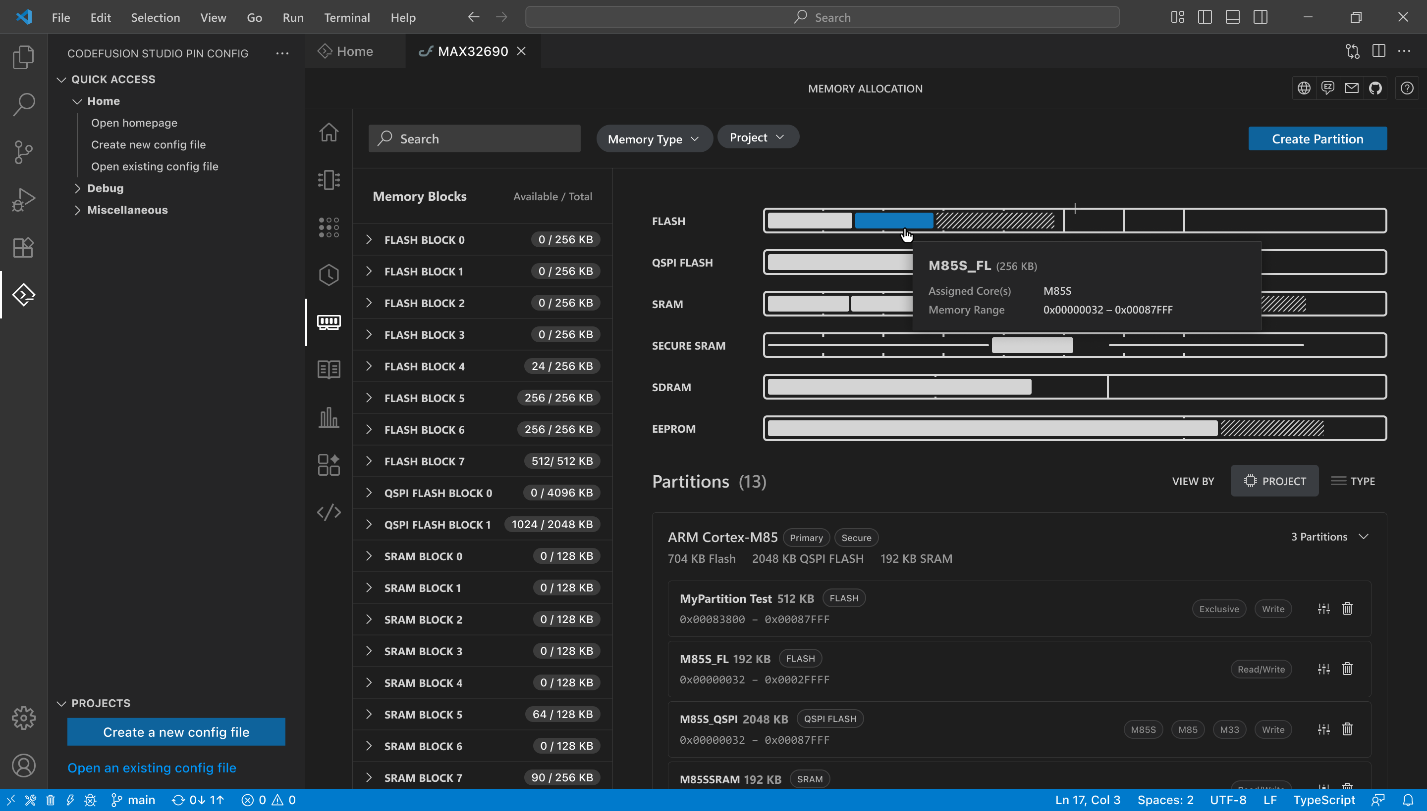
Memory allocation in CodeFusion 2.0. (Click on image to enlarge)
CodeFusion 2.0 combines the various tools and development and debug workflows into one common interface. The tool gives simultaneous access and visibility to all of the cores and provides visual confirmation and configuration of memory and peripherals.
Comprehensive, Open Tool Set
ADI is now offering CodeFusion Studio 2.0 as the single entry point for development across all ADI hardware. “Each core, whether Arm, DSP, or MPU, comes with its own setup, and that fragmentation slows teams down,” said Griffin. “In CFS 2.0, that changes completely. Everything now lives in a single unified workspace.”
“You can configure, build, and debug every core from one environment with shared memory maps, peripheral management, and consistent build dependencies.”
With AI workflows, multi-core independence, and a unified environment, ADI intends to make complex embedded development with their processors easier and faster.
More information is available on Analog Device's blog post about CodeFusion Studio 2.0.
All images used courtesy of Analog Devices.
Related Content